Your TV. In Your Hands: The Role of a Mobile Companion App
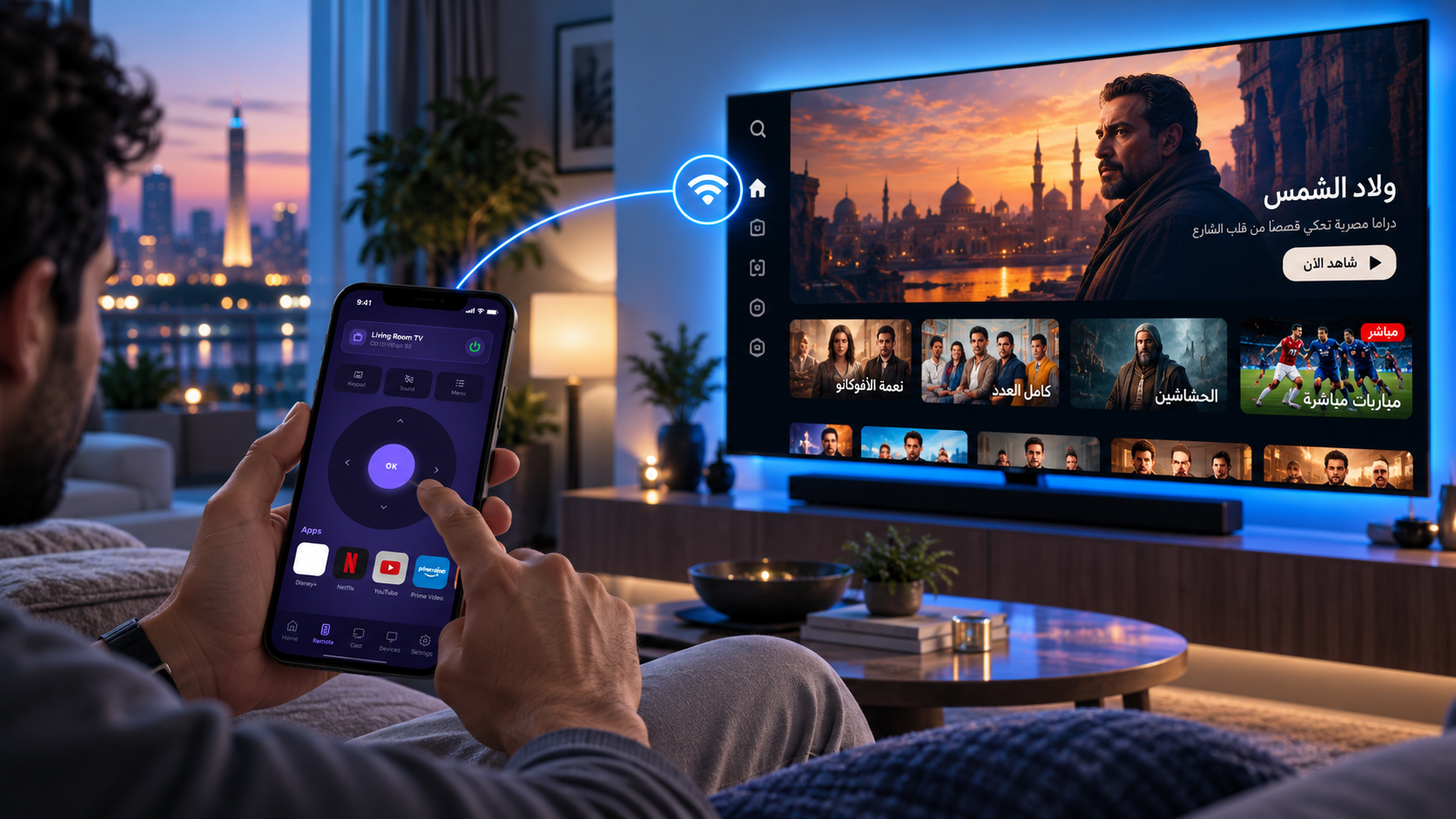
A smartphone can make everyday television interaction more convenient when the companion experience has a clear purpose.
The remote is part of everyday life
For many households, the television remote is one of the most frequently shared devices in the room. It is picked up, passed around and occasionally misplaced. A mobile companion experience offers another familiar way to interact with a television: through a device people already use throughout the day.
The important question is not how many functions an app can display. It is whether the app helps people complete useful tasks with less friction. A good companion has a clear role and makes the relationship between phone and television easy to understand.
Mobile is an established part of the regional digital environment
GSMA estimates 308 million mobile-internet users in MENA in 2024. This does not measure how many households want to control a TV by phone; it does show why mobile can be a sensible interface to consider when designing connected-device experiences.
Control and management, with a clear purpose
The OORO Companion App is conceived as a mobile remote control and device manager for compatible OORO-enabled televisions. That distinction matters. It should not be described as a streaming marketplace, an entertainment app store or a separate content platform.
The remote-control experience and device-management experience serve related but different needs. One supports everyday interaction with the TV; the other provides access to supported management functions. The exact controls, pairing process, device compatibility and platform availability should be described only when confirmed for the released app.
A real-world reference for the interaction
Google's official Android TV Help explains how a phone or tablet can serve as a virtual remote through the Google TV app. Its setup guidance involves selecting a television, entering a code displayed on the screen and pairing the devices; its troubleshooting also discusses shared Wi-Fi connectivity. These are Google's product instructions, not a description or promise of OORO's pairing flow.
Design for the moment, not the feature list
A remote-control interface needs obvious interaction priorities. People should be able to recognise what to do without studying the screen. A device-management area should be organised around understandable tasks and clear feedback. The visual relationship between the mobile app and TV also matters: people should know which television they are interacting with and what happened after an action.
The wider lesson applies to all connected products. Cross-device design is strongest when it follows real use rather than forcing every capability onto every screen. A phone and a television have different strengths; a companion experience should respect both.
Where OORO is different in this article
The supplied OORO website brief identifies the Companion App specifically as a mobile remote control and TV device manager. We should therefore show remote interaction and verified device-management tasks, while leaving actual platform support, pairing, compatibility and individual controls to the approved product release.
Trust begins with clarity
Device control also calls for responsible communication. People should understand which functions are supported, when an action affects their television and how the app connects to the device. Product messaging should not imply controls or safeguards that have not been implemented and verified.
For OORO, the companion-app story belongs within a broader ambition: technology that feels intuitive, useful and close to everyday life. Sometimes meaningful innovation is not a dramatic new screen. It is making an ordinary interaction feel simpler.